The D365 Portal is a web-based layer that sits on top of Microsoft Dynamics 365. It’s built to share specific parts of your CRM with the people who need them. All this without exposing all your data.
Think of customers checking their order status. Or partners logging in to view deal progress. Or employees raising internal requests. These are all tasks that touch your CRM, but they don’t need full access to the backend. That’s where the portal comes in.
It acts as a secure entry point, giving external users a way to interact with CRM data. No calls. No emails. No middle steps.
Let’s break it down.
Say you’re a customer trying to check the status of your recent order. Without a portal, your only option is to call support or send an email. Someone on the other end then has to pull up your details in Dynamics 365 and get back to you.
Now flip that.
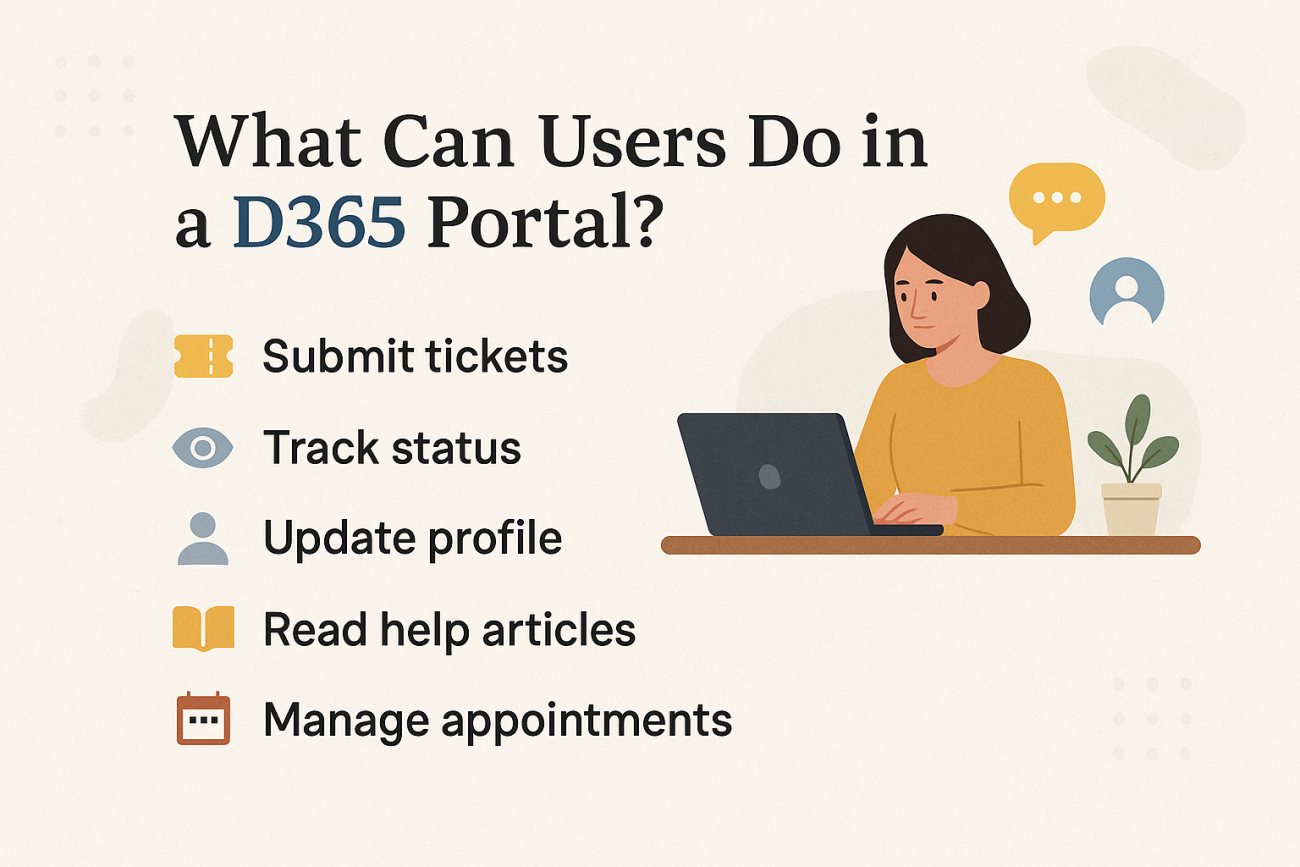
With the D365 Portal, you just log in, click a few times, and the info’s right there. You can raise a support ticket, update your contact info, read help articles, and manage appointments.
It’s a direct line to the data people need, without giving them full access to your CRM. That’s what makes it powerful.
Key Features of the D365 Portal
The D365 Portal (now part of Power Pages) comes with a solid set of tools that help you open up your CRM securely and efficiently. Let’s walk through what it brings to the table:
Self-Service Access
Users do not have to wait for someone from your team. They can:
- Submit service requests or support tickets
- Update their own profiles
- Track the progress of orders or cases
This cuts down the load on your internal team and gives users more control.
CRM Forms and Views, Right on the Portal
You can show forms and views from Dynamics 365 directly in the portal. No extra syncing. No duplicate records. It’s live data, straight from your CRM.
Flexible Login Options
People can log in using:
- A local account (just a username and password)
- External logins like LinkedIn or Facebook
This lets you keep things secure without making access a hassle.
Role-Based Access Control
You decide who sees what. For example:
- Customers only see their tickets and orders
- Partners get access to leads and deal pipelines
- Employees can submit internal requests or view HR forms
Built-In Knowledge Base
Make your Dynamics knowledge articles visible in the portal. It helps users find answers on their own instead of raising tickets for common issues.
Multilingual Support
If you serve global customers, you’re covered. You can create versions of your portal content in different languages so users see what makes sense to them.
Where D365 Portal Fits In
The real value of the portal shows up when you put it to work. Here are some common (and practical) ways organizations use it:
Customer Self-Service Portal
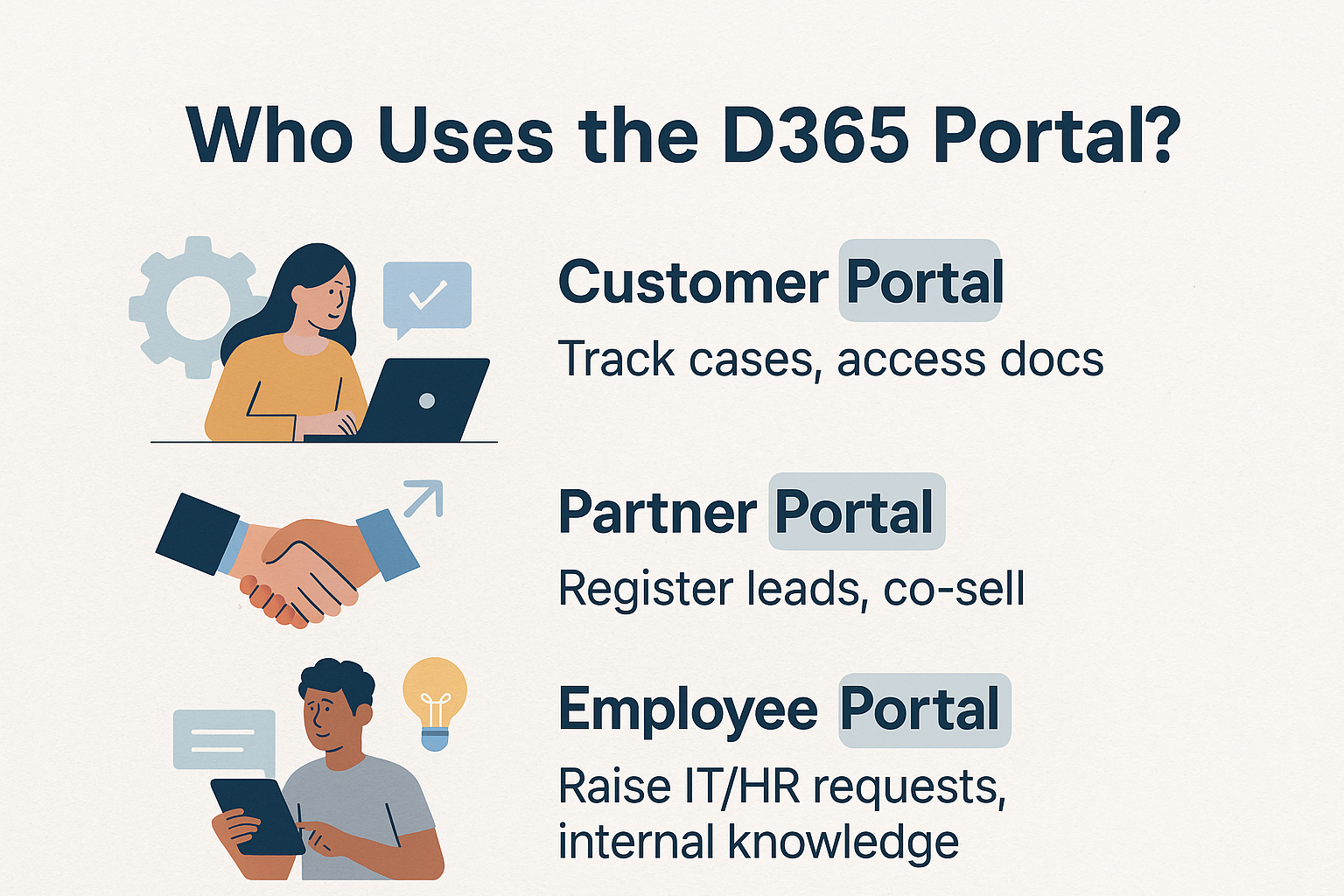
Give your customers the ability to help themselves. With a login, they can:
- Check the status of their support tickets
- Download product documentation
- View past orders and invoices
- Update their own profiles
Example: A consumer electronics brand lets customers track warranty claims, download manuals, or request returns—no phone calls needed.
Partner Portal
For distributors, resellers, or dealers, a portal is a game changer. It helps them:
- Register and manage leads
- Track deals in the pipeline
- Access sales and marketing assets
- Submit onboarding or support requests
Example: A SaaS company allows partners to co-sell, manage commissions, and get access to campaigns—all through a secure login.
Employee Portal
Portals aren’t just for customers and partners. Your internal teams can use them too—for things like:
- HR service requests
- IT ticketing
- Accessing company documents or onboarding materials
- Viewing internal announcements
Example: A large enterprise uses the portal to manage leave applications, share company policies, and centralize support requests across departments.
Where the Native D365 Portal Falls Short
The built-in D365 Portal is a solid starting point. But once your needs grow, you’ll start noticing the cracks. Here’s where most teams run into trouble:
Customization Hits a Wall
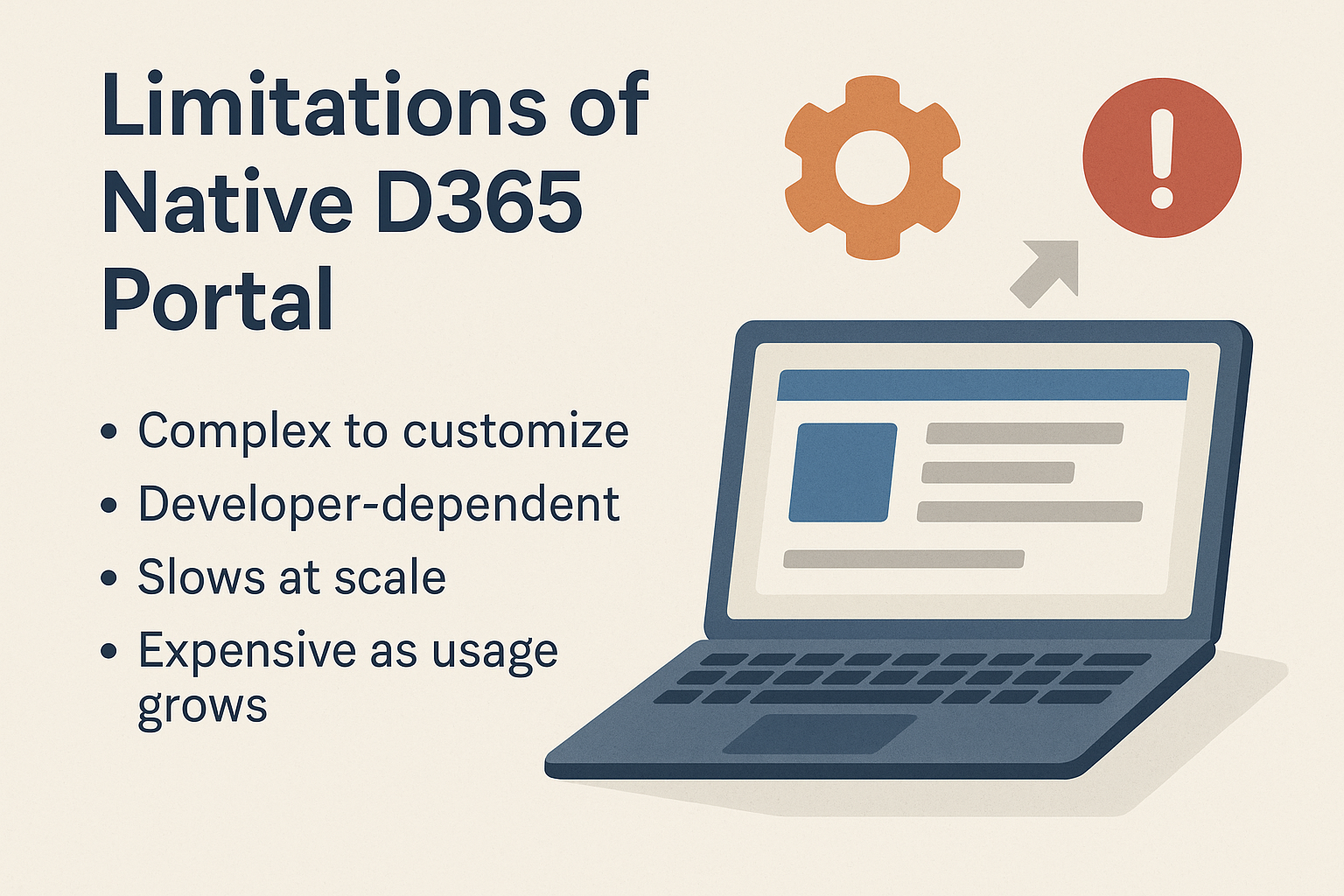
You can change a few colors and layouts, sure. But anything beyond that—like advanced workflows or a tailored UI—usually needs a developer. And not just any dev. You’ll need someone who knows Microsoft’s Liquid language, Power Apps, and Dataverse.
Slow Development Cycles
Want to tweak a form or adjust business logic? It’s rarely quick. Even small updates can get stuck in a dev queue, especially if you’re relying on internal IT.
Performance Drops at Scale
Add enough custom entities, complex views, and user roles, and things can start to lag. Larger setups often deal with slow load times and timeout issues.
Unpredictable Licensing Costs
The pricing isn’t just based on the number of users. It’s tied to login volume and page views. So the more successful your portal becomes, the more it might cost you.
Why Businesses Start Looking Beyond the Native Portal
At first, the built-in D365 Portal does the job. But as more users come in and your needs become more specific, things start to get frustrating. You want more control. Faster changes. Better performance. And costs that don’t keep climbing as usage grows.
That’s where alternatives like CRMJetty come in.
CRMJetty offers a Dynamics 365 Customer Portal that keeps everything connected to your CRM, but without the usual limitations. It’s built for teams that need speed, flexibility, and predictable pricing.
Let’s break down what makes it different.
CRMJetty’s Dynamics 365 Portal: A Smarter, More Flexible Option
CRMJetty’s portal solution is built for real-world teams—the ones that don’t have time to wait on developers or deal with clunky UI limitations.
Here’s what sets it apart:
No-Code / Low-Code Customization
You can build and update portal components without touching code. Layouts, workflows, forms—it’s all visual and intuitive.
Full UI and UX Freedom
You’re not stuck with rigid templates. Design your portal the way you want. You have complete control over how it looks and feels.
Built to Work With More Than Just D365
While it integrates tightly with Dynamics 365, the architecture is flexible. If you ever switch CRMs or want to connect another one down the line, you can.
Flat Pricing, No Surprises
No per-login or per-page-view charges. You get predictable pricing that doesn’t punish growth.
Advanced Role-Based Access
Easily define who can see what. Whether it’s customers, partners, or employees. Everyone gets a personalized, secure experience.
Optional AI Add-Ons
Want to level up your support? CRMJetty offers AI-based extensions that let you:
- Deflect cases with smart suggestions
- Auto-classify tickets
- Recommend relevant articles
It’s built to help you reduce support volume and improve response quality.
Where CRMJetty Shines: Real-World Scenarios

CRMJetty’s portal isn’t just flexible—it’s built to adapt to different industries and use cases. Here’s how organizations are putting it to work:
Healthcare
Patients can book appointments, upload medical documents, or connect with care managers. The portal is secure and compliant with the standard policy. No more waiting on hold or chasing updates.
Nonprofits
Donors log in to download receipts. Volunteers sign up for events. Everyone gets a simple, self-service experience that’s tied directly to CRM records, without overwhelming staff with administrative tasks.
Manufacturing
Distributors and partners track order statuses, submit purchase requests, and access product specs. The portal cuts down emails and gives everyone a single source of truth.
Education
Students and faculty manage academic records, submit applications, raise queries, etc. It streamlines communication and reduces the back-and-forth.
Final Thoughts
The idea behind the D365 Portal is strong, letting people outside your organization interact with your CRM without handing them full access. And for your basic needs, the native version works fine.
But when you need more flexibility, faster customization, and pricing that doesn’t grow out of control, it starts to fall short.
That’s why more organizations are turning to CRMJetty.
You get everything the D365 Portal promises and more. It’s easier to build, easier to scale, and gives you full control over how your portal looks and works.
Ready to Build a Portal That Works for You?
With CRMJetty’s Dynamics 365 Customer Portal, you can launch faster, customize without limits, and scale without stress. Whether you're building for customers, partners, or internal teams, it just works.
Let’s make your portal simpler, smarter, and more powerful.